AI ID Photo Retouching: How Natural is Too Natural? 📸
"Was this taken with AI? Doesn't it look too different from your real self?"
These days, whenever AI ID photos come up, this is the question that inevitably follows. Honestly, many people think this way. And their skepticism is well-founded.
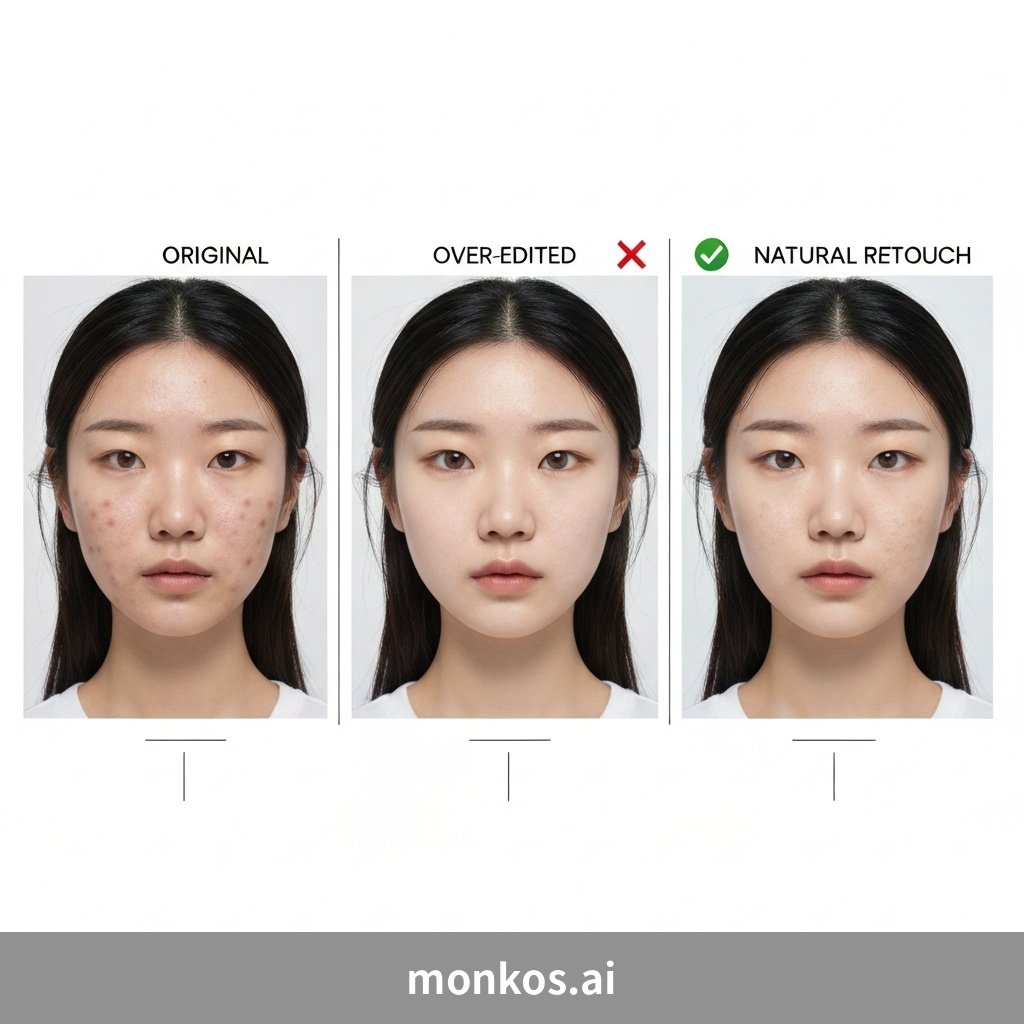
Why Did AI ID Photos Become Untrustworthy?
Think back to when AI ID photo apps first emerged.
They'd smooth skin like a wax figure, double the size of eyes, and carve jawlines into a V-shape… The results were photos that made you wonder, "Is this even me?" It was closer to transformation than retouching.
The problem arises when you take such a photo to a job interview. The moment the interviewer looks back and forth between the photo and your actual face, asking, "Is this really you in the picture?", that photo becomes a detriment.
That's how the perception "AI ID photo = excessive retouching = untrustworthy" became established.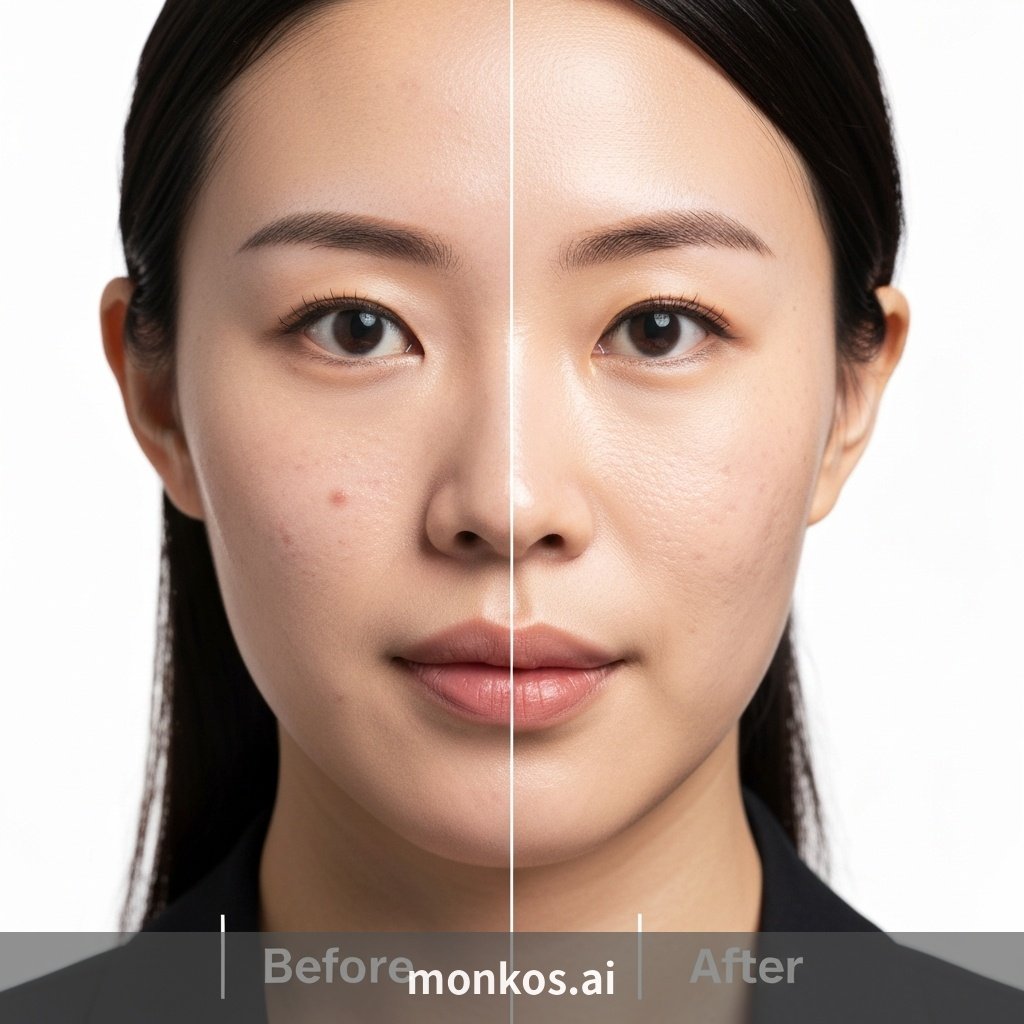
But, Is Retouching Itself the Problem?
Here's something important to consider.
Even studio-taken photos undergo retouching. Cleaning up skin blemishes, tidying stray hairs, smoothing out clothing wrinkles, removing shadows caused by lighting… These are basic tasks that the photography industry has been doing for over 20 years.
In other words, retouching itself isn't bad. The problem lies in "how much and how" it's done.
Good retouching looks like this:
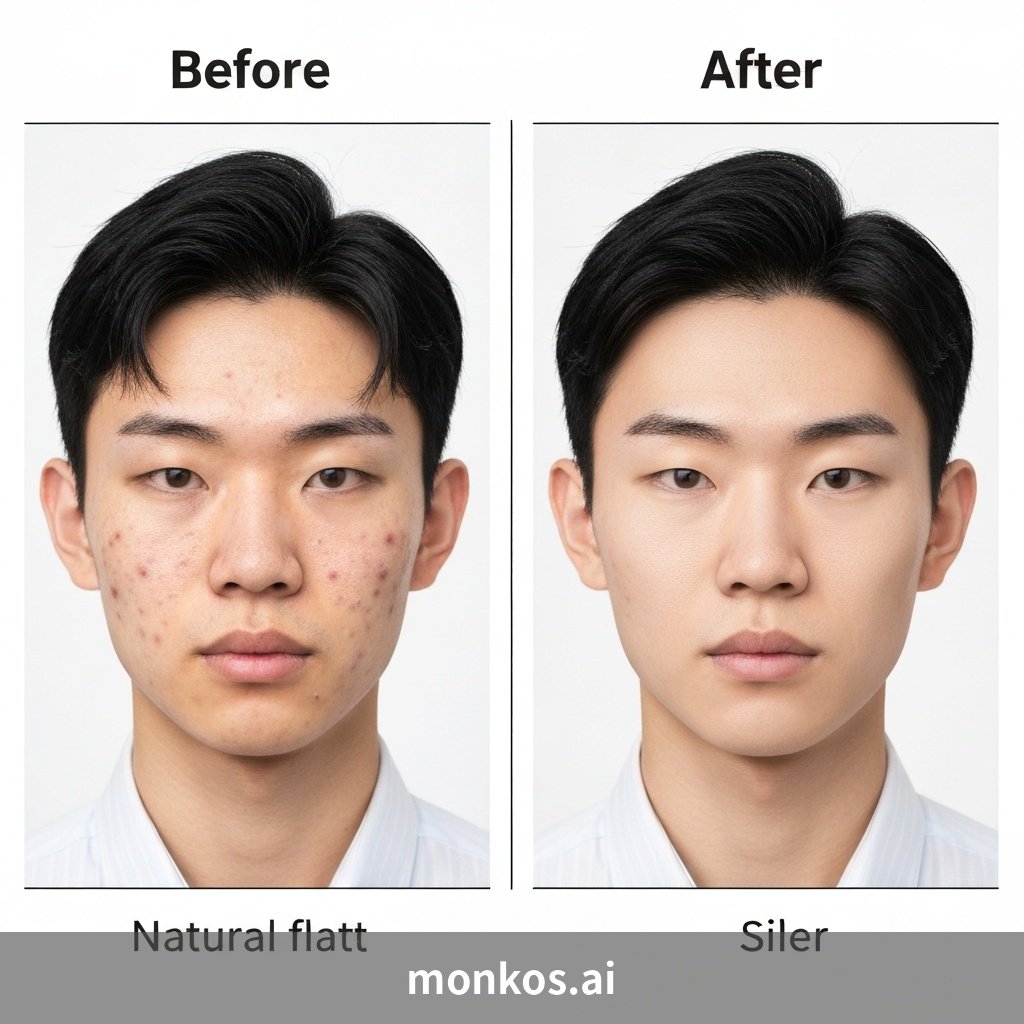
- Evens out skin tone while preserving skin texture.
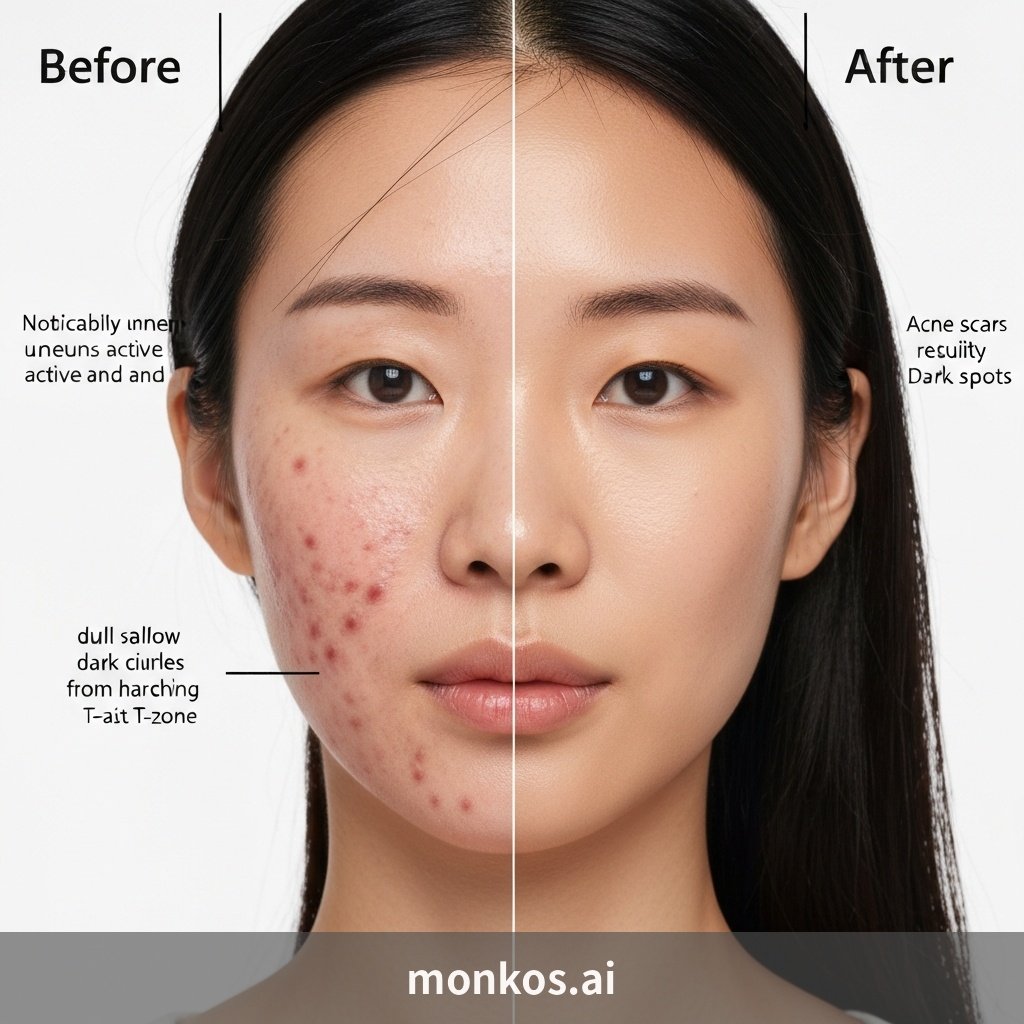
- Removes temporary blemishes (acne, minor cuts) but retains personal features like moles or scars.
- Adjusts lighting and color to create a clean impression, without altering bone structure or facial features.
In short, "a photo that naturally connects to your real self when you meet in person" is a well-retouched photo.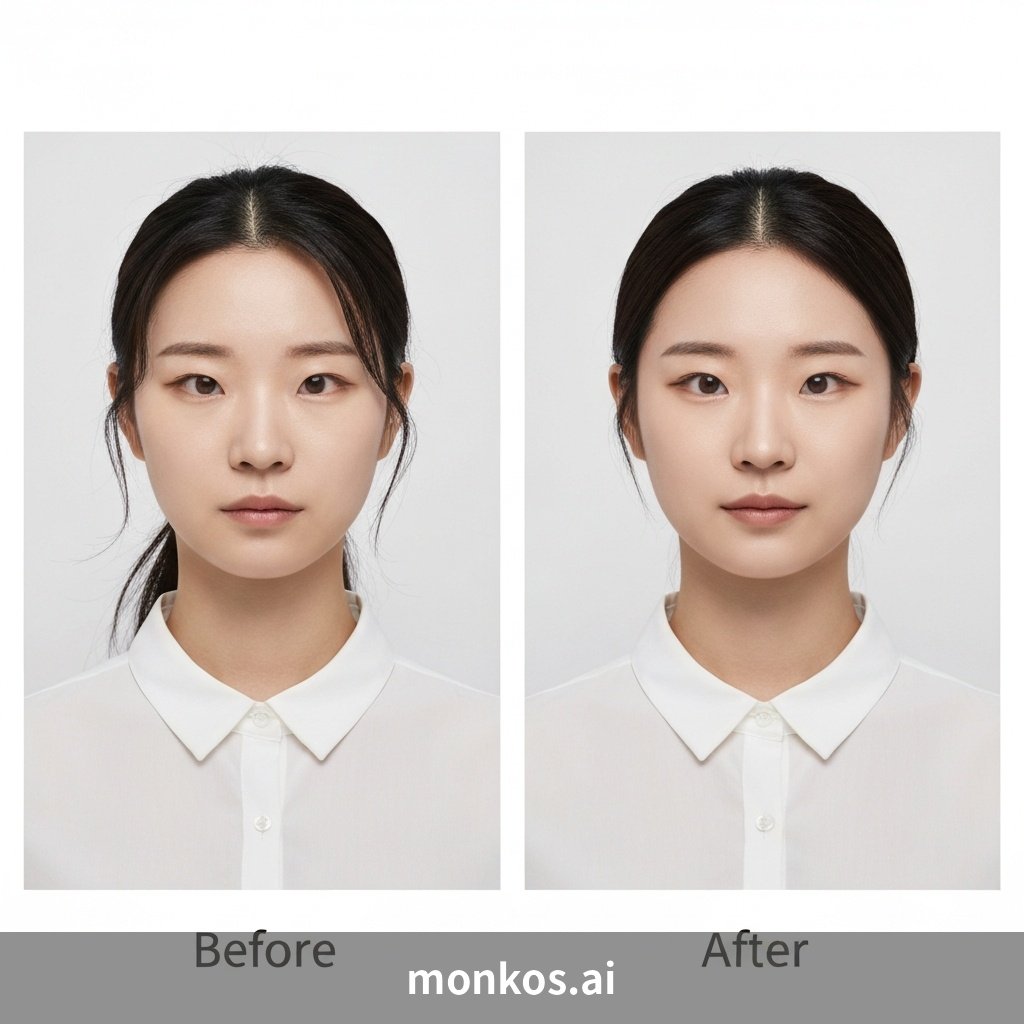
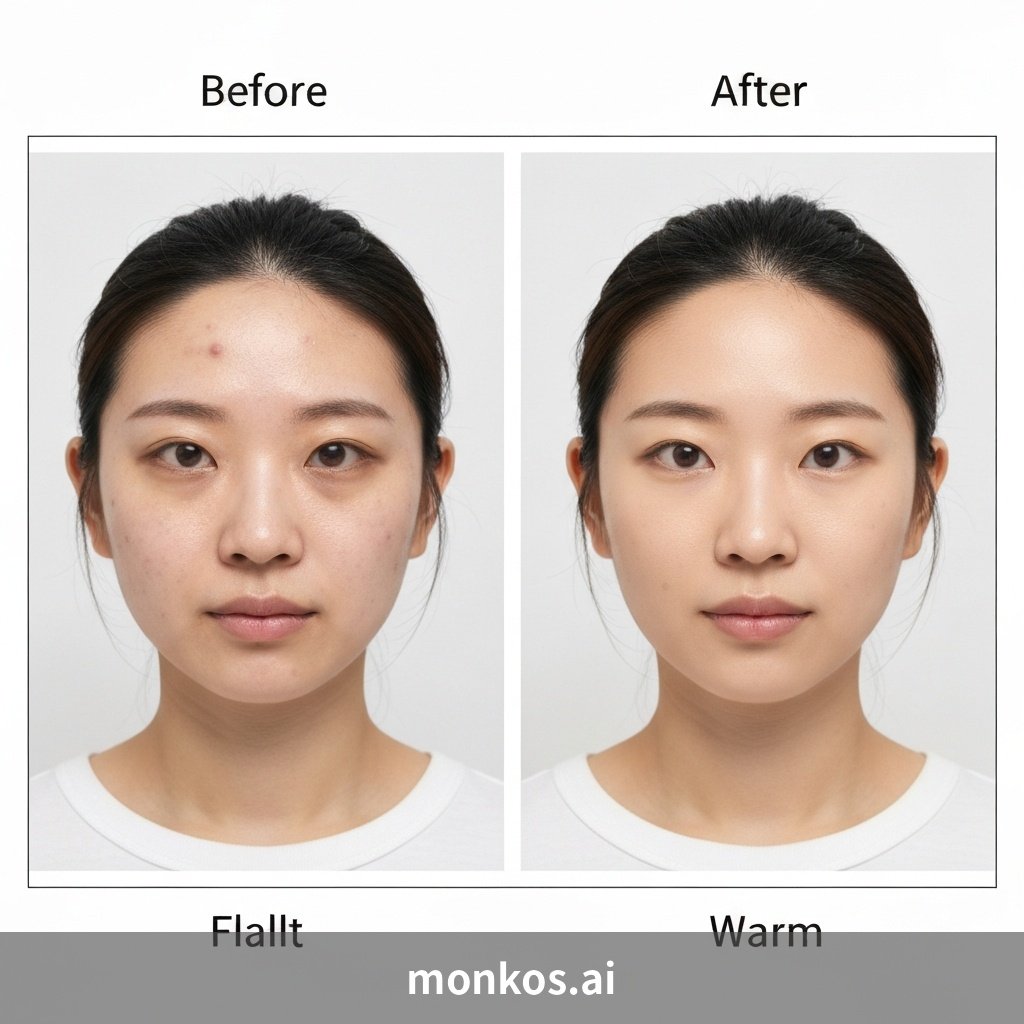
## Excessive vs. Appropriate Retouching: How to Tell the Difference?
Here are some criteria you can use to check for yourself.
Signs of Excessive Retouching 🚨
- Skin is unnaturally smooth like plastic, with no visible pores.
- Eye size or nose height is distinctly different from your real self.
- Jawline is unnaturally sharp.
- Skin color differs by more than two shades from your actual complexion.
- People around you ask, "Is this really you?" when they see the photo.
**Criteria for Appropriate Retouching ✅**
- Skin is clear but texture is preserved.
- You are recognizable, and it naturally connects to your real appearance.
- It's "a good photo of you," not "you look like a different person."
- Lighting, color, and background are neatly organized.
MONKOS's Approach
MONKOS.AI is a service created by a photographer with 20 years of experience. Therefore, the retouching standards are not based on "app developer criteria" but on "the criteria of a photographer who has actually taken tens of thousands of ID photos."
The line where, upon meeting in person, one feels, "Ah, you look just like your photo." Maintaining that line is MONKOS's retouching philosophy.
It's easy to create a "pretty" photo with excessive retouching. However, a truly good ID photo is one that doesn't undermine trust in a job interview, during passport control, or in any real-life situation.

In Summary
I fully understand the distrust surrounding AI ID photos. It's a reasonable skepticism born from the excessive retouching produced by early apps.
However, "AI = over-retouching" is now an outdated notion. As technology advances, well-developed AI services can provide natural, studio-quality retouching.
Because an ID photo shouldn't just be a pretty picture; it should be a trustworthy one.
👉 If you're curious about natural AI ID photos: monkos.ai
